You need a website to sell products, launch courses, or build your personal brand, but you’re stuck. Hiring a developer is a financial nightmare—not just for the initial build, but for the long haul. If you hire someone, you are forever dependent on them. Every minor update, every bug fix, and every new feature means opening your wallet and waiting days for a response.
You don't just lose money; you lose control and speed.
This guide is your exit strategy. I’m giving you a comprehensive, "no-BS" framework to build and own a perfectly functional web app that runs on the internet—even if you don't know a single line of code. Stop being a hostage to developers and start building.
Step 1: Visual Blueprint at Mobbin
Don't guess. Start with a UI that is already winning the market.
The Tool: Mobbin.com
The Action: Sign up for a Free account. Search for "SaaS Dashboard" or "E-commerce."
The Goal: Find a layout you love and take a full-page screenshot. This is your visual roadmap.
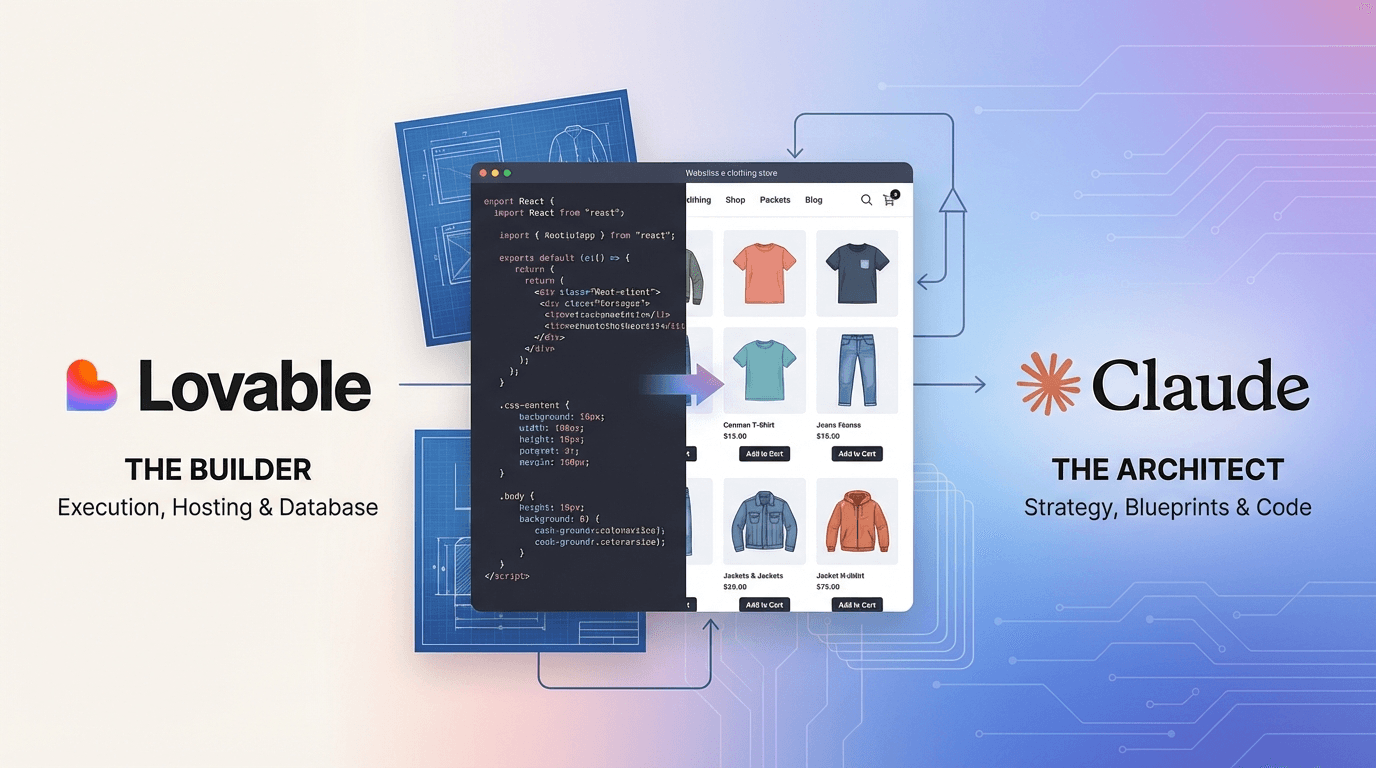
Step 2: Architecture via Claude AI
Translate your vision into technical instructions that an AI builder can execute without errors.
The Tool: Claude.ai
The Action: Use the Free version (Claude 3.5 Sonnet).
The Prompt: Upload your screenshot and ask:
"Analyze this image and write a detailed technical specification for Lovable.dev. Include color hex codes, font styles, section layouts, and the necessary database schema for Supabase to make this app functional."
Step 3: Rapid Execution on Lovable.dev
This is your engine. Lovable turns your specs into clean, professional code in seconds.
The Tool: Lovable.dev
The Action: Create a new app, paste the Claude specs, and upload your screenshot. Hit Generate. You now have a live, interactive web app.
Step 4: Surgical UI Tweaks (The "Edit Code" Hack)
Stop wasting credits chatting about minor changes. Be precise.
The Action: Use the "Edit Code" button on the preview screen.
The Move: Click exactly what you want to change. A chat box for that specific block will appear. Command it: "Change this font to Inter and make the primary button bright blue."
Step 5: Power the Backend with Supabase A website without a database is just a digital flyer. Give it a brain.
The Tool: Supabase.com
The Integration: In Lovable, click "Connect Supabase" (Free Tier). Tell Lovable: "Set up the database and authentication for this app." Your users can now sign up, log in, and save data.
Step 6: Total Control with Cursor
To truly own your site and handle complex logic without paying for more Lovable credits, use the industry-standard AI code editor.
The Tool: Cursor.com
The Action: Sync your project to GitHub, then open it in Cursor.
The Move: Use Ctrl + K to fix logic or add custom features. This is where you become a real "Technical Founder" without writing the code yourself.
Step 7: Final Polish & Launch
The Audit: Open your preview link on mobile and desktop. If it breaks, screenshot it and tell Lovable or Cursor: "Fix this layout for mobile."
Going Live: Buy a domain. In Lovable Settings > Domains, copy the DNS records and paste them into your domain provider. You are now officially online and independent.